
Meshroom Batcher
Pipeline Batcher for Meshroom
How to setup#
- You need Meshroom in your environment (correct
PYTHONPATHenvironment variable set) - You need to register the entity providers through the
MESHROOM_BATCHER_PROVIDERSenvironment variable. You can see an example here
How does it work#
When the tool is launched, it uses entity providers to fetch info. Each provider must implement method to provide: - a list of templates - an entity tree - entities for a tree group
Then the UI launches.
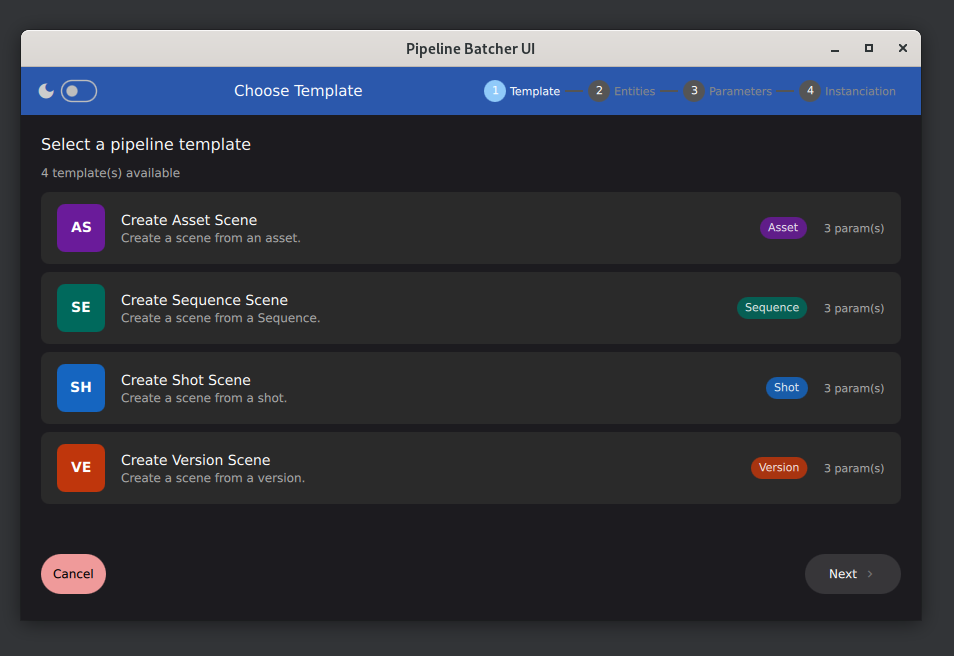
Template Selection UI : select the template to use.
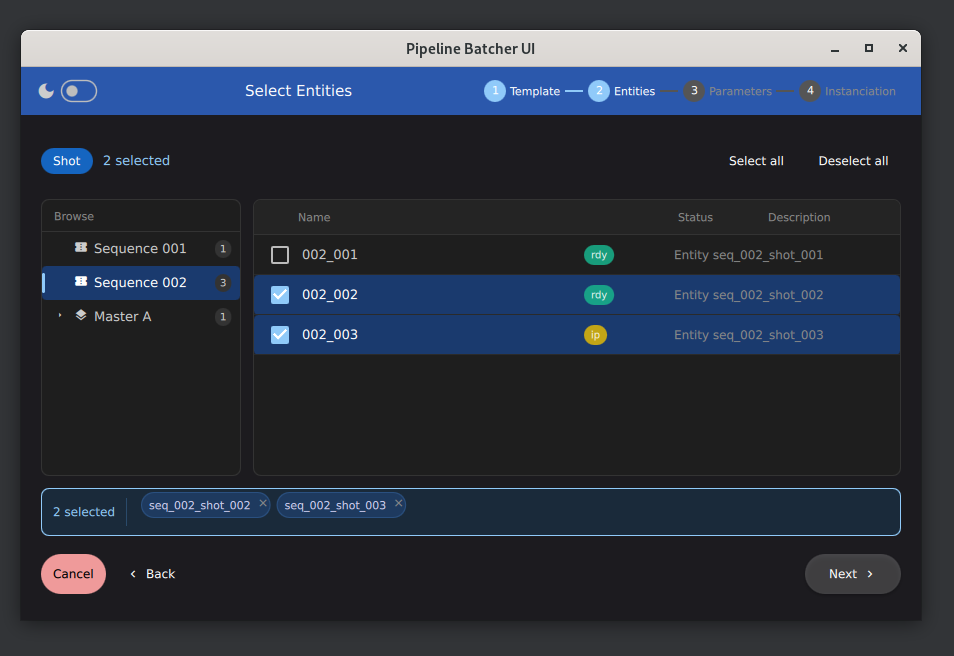
Entity Selection UI : select entities to batch.
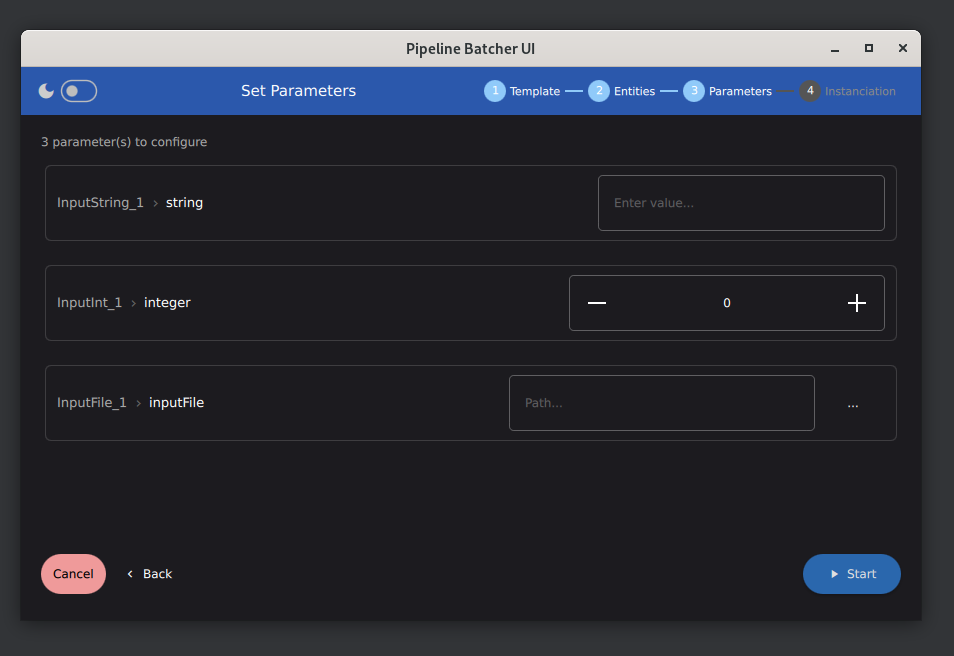
Parameters UI : set values for exposed attributes.
Providers#
Mock Provider
The mock provider is a provider that sets up fake data. It's main use is debugging and developping the app. It also serves as a reference for implementing providers.
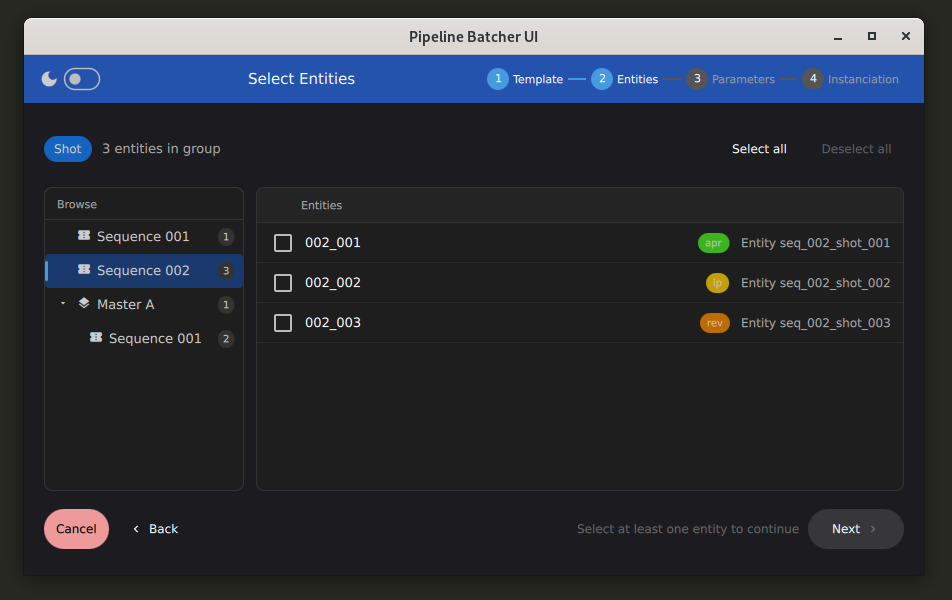
Mock provider.
You can test it with the --mock command line argument.
If you are testing inside meshroo (using the Batcher menu) you can obtain it by setting the REGISTER_MOCK_ENTITYPROVIDER
environment variable to "1"
Image Provider
This provider take a root folder and provide a file explorer that finds folders with images.
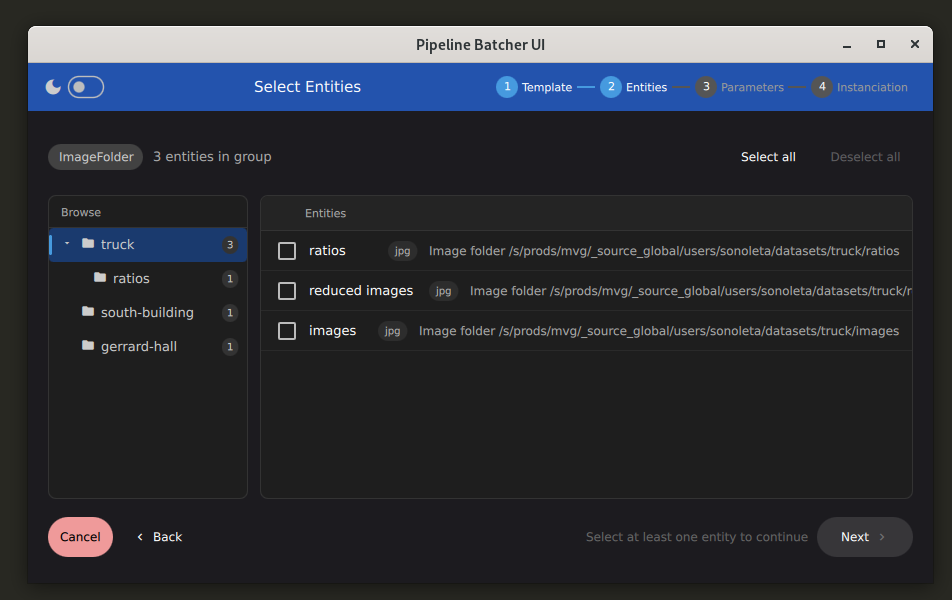
Image Folder provider.
This require some setup :
- MR_BATCHER_IMGFOLDER_ROOT: the root folder where the file explorer starts.
- MR_BATCHER_TEMPLATES_DIR: a folder with Meshroom template files
- MR_BATCHER_OUTPUT_ROOT: The folder where instanciated files will be created
Warning
For now the tree view index all folder all at once, there's no smart update (we could implement it when we would expand a subtree it fetches folders then).
This means you must avoid setting a big folder to MR_BATCHER_IMGFOLDER_ROOT, or this will take a lot of time indexing subfolders.
How to implement a new Entity Provider#
You can check this page